
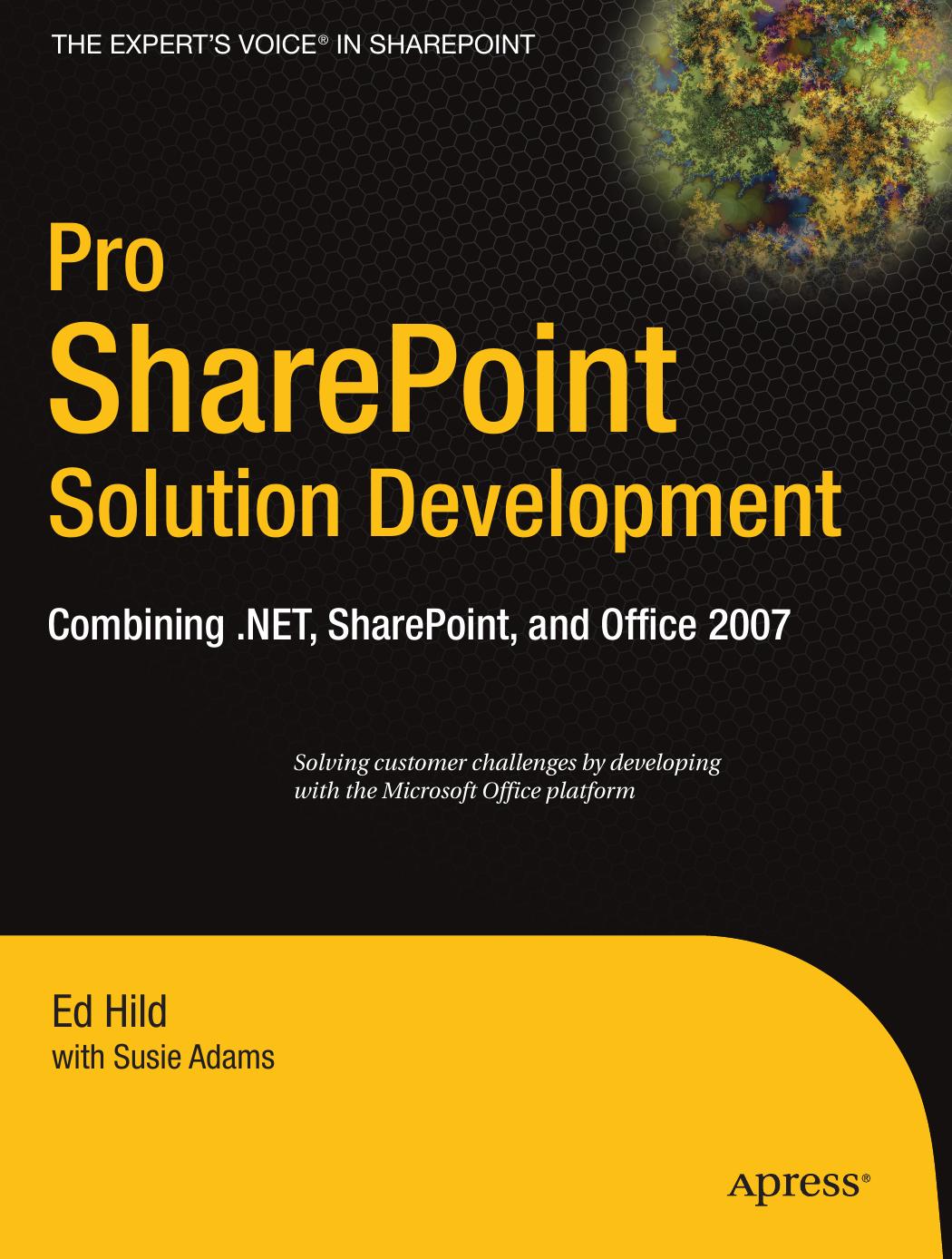
Pro SharePoint Solution Development Combining NET SharePoint and Office 2007 1st Edition by Ed Hild, Susie Adams ISBN 978-1590598085 1590598083

Original price was: $50.00.$35.00Current price is: $35.00.
Pro SharePoint Solution Development Combining NET SharePoint and Office 2007 1st Edition by Ed Hild, Susie Adams- Ebook PDF Instant Download/Delivery: 978-1590598085, 1590598083
Full download Pro SharePoint Solution Development Combining NET SharePoint and Office 2007 1st Edition after payment
Product details:
ISBN 10: 1590598083
ISBN 13: 978-1590598085
Author: Ed Hild, Susie Adams
Pro SharePoint Solution Development: Combining .NET, SharePoint, and Office 2007 takes a practical problem/solution approach to common business challenges. You’ll not only encounter interesting code samples, but also see how to combine these examples with the Microsoft collaboration platforms services. The books solutions focus on using Visual Studio Tools for Office to build the user interface layer. And solutions can interact with SharePoint as a service provider, taking advantage of SharePoints many collaboration features like document repositories, collaboration sites, and search functions.
This book is unique because it starts with challenges that end users deal with every day when using the Microsoft collaboration platform to support business processes. The solutions are presented as the hypothetical business challenges of a fictional company. By presenting the examples in this context, authors Ed Hild and Susie Adams make it easier to relate to the challenges and solution value. And the goal of these examples is to build applications that apply the benefits of the Office desktop interface with the richness of SharePoints collaboration features.
Table of contents:
PART 1
Introduction
CHAPTER 1
Office Business Applications.
Part 2: Microsoft Excel Solutions
Part 3: Microsoft Word Solutions
Part 4: Microsoft PowerPoint Solutions.
Part 5: Microsoft Outlook Solutions
Part 6: Microsoft InfoPath Solutions.
Part 7: Conclusion
Development-Environment Requirements
CHAPTER 2
SharePoint Products and Technologies:
Overview and New Features.
History of SharePoint Technologies
Windows SharePoint Services v3.
ASP.NET 2.0 Foundation
Repository Enhancements
Deployment Model Based on “Features”
Site Enhancements
User Interface
Workflow.
Microsoft Office SharePoint Server 2007
Portal Enhancements
Search
Content Management
Business Process.
Business Intelligence
Further Reading.
CHAPTER 3
Microsoft Office 2007 Overview for Developers.
History of Microsoft Office Development.
Why Developers Should Care About Office.
Development Opportunities with Office 2007.
The Open XML File Format…
Using Managed Code
Further Reading.
CHAPTER 4
Visual Studio Tools for Office Overview
History of Visual Studio Tools for Office.
Versions and Compatibility…
Developing with VSTO
Add-Ins
Ribbon Customization
Task Panes.
Outlook Form Regions.
Document-Level Projects.
Further Reading..
PART 2
Microsoft Excel Solutions
CHAPTER 5
Maintaining Offline List Content from Multiple Sites..
Real-World Examples
Solution Overview
Solution Walkthrough..
Creating the Projects List Definition
Creating the Excel Smart Document Project.
Designing the DataSet
Detecting Internet Connectivity
Constructing the Actions Pane.
Maintaining the List of Site Connections
Constructing the Synchronization Interface
Architecting the Synchronization Process.
Getting the Data on the Spreadsheet.
Using the Tool
Building Visualizations in Excel
Running in Excel 2007
Considering Deployment Options
Important Lessons.
Extension Points
Further Reading
CHAPTER 6
Integrating Spreadsheets into the Enterprise
Real-World Examples
Solution Overview
Solution Walkthrough.
Introducing the Spreadsheet
Setting Up an External Source: Products Database…
Setting Up an External Source: Shipping Web Service
Constructing the UDF Class
Deploying the UDF Class and Registering It for Use in Excel….
Enhancing the Spreadsheet.
Preparing Excel Services for the Spreadsheet
Publishing to Excel Services
Integrating the Spreadsheet into a Custom Application
Important Lessons.
Extension Points
Further Reading.
PART 3
Microsoft Word Solutions
CHAPTER 7
Merging SharePoint List Data into Word Documents..
Real-World Examples
Solution Overview
Solution Walkthrough
Creating Content Types
Building the CustomerDocuments Feature Project
Defining the Feature
Deploying the Feature…
Building a Custom Application Page.
Using a Custom XML Part in a Document Template
Performing the Merge…
Important Lessons.
Extension Points
Further Reading
CHAPTER 8
Working Collaboratively with Document Fragments
Real-World Examples
Solution Overview..
Solution Walkthrough
Creating the XML Schema
Applying the Schema to a Document.
Examining the Document’s XML..
Building the Document Section Feature Project.
Defining the Feature
Deploying the Feature..
Building a Custom Application Page for Splitting..
Examining the Splitter Class
Building a Custom Application Page for Merging.
Examining the SectionMerge class
Important Lessons
Extension Points
Further Reading.
PART 4
Microsoft PowerPoint Solutions
CHAPTER 9
Extending PowerPoint to Build a Presentation Based on Site Content..
Real-World Examples
Solution Overview
Solution Walkthrough
Creating the Project.
Ribbon Customization
Architecture of the Task Pane and Wizard Step User Controls..
Important Lessons.
Extension Points
Further Reading.
CHAPTER 10
Building a Presentation Server-Side within a Web Part.
Real-World Examples
Solution Overview
Solution Walkthrough
Setting Up the Team Site and Content.
Creating the Presentation Template
Creating the Web-Part Project.
Basics of the DynamicPowerPoint Web Part.
Deploying the Web Part
Debugging the Web Part
Overview of Office XML Formats and PresentationML
Iterating through the Template
Building the Title Slide
Building the Slide for Hardware Issues
Building the Slide for Software Issues.
Important Lessons
Extension Point
Further Reading
PART 5
Microsoft Outlook Solutions
CHAPTER 11
Working with Email Messages and SharePoint.
Real-World Examples
Solution Overview.
Solution Walkthrough
Creating the Outlook Add-in Project.
Building the Custom Task Pane
Customizing the Ribbon Interface..
Managing the Task-Pane Instances
Retrieving the Document Libraries.
Saving the Email Message.
Important Lessons.
Extension Points
Further Reading
CHAPTER 12
Surfacing Data from Line-of-Business Applications
Real-World Examples..
Solution Overview
Solution Walkthrough
The Sample LOB Database
Constructing the BDC Application Definition.
Configuring the Profile Pages
Testing in a Team Site
Building the Custom Web Service..
Deploying and Testing the Web Service
Building the Outlook Form Region
Deploying the Form Region
Important Lessons.
Extension Point
Further Reading .
PART 6- Microsoft InfoPath Solutions
CHAPTER 13
Taking InfoPath Forms to the Web.
Real-World Examples
Solution Overview
Solution Walkthrough..
Understanding the Cross-Domain and Multi-Hop Problems.
Creating the InfoPath Solution.
Setting Up the Database-LoanData
Creating the Web Service..
Connecting the Form to the Web Service
Deploying the Template to Office Forms Server.
Debugging and Testing Managed Code in Visual Studio
Integrating Security and SSO.
Hosting the Form in ASP.NET
Web-Part Hosting
Extension Points
Further Reading..
CHAPTER 12
Surfacing Data from Line-of-Business Applications…
Real-World Examples..
Solution Overview
Solution Walkthrough
The Sample LOB Database
Constructing the BDC Application Definition.
Configuring the Profile Pages
Testing in a Team Site
Building the Custom Web Service..
Deploying and Testing the Web Service
Building the Outlook Form Region
Deploying the Form Region
Important Lessons.
Extension Point
Further Reading .
PART 6- Microsoft InfoPath Solutions
CHAPTER 13
Taking InfoPath Forms to the Web.
Real-World Examples
Solution Overview
Solution Walkthrough..
Understanding the Cross-Domain and Multi-Hop Problems.
Creating the InfoPath Solution.
Setting Up the Database-LoanData
Creating the Web Service..
Connecting the Form to the Web Service
Deploying the Template to Office Forms Server.
Debugging and Testing Managed Code in Visual Studio
Integrating Security and SSO.
Hosting the Form in ASP.NET
Web-Part Hosting
Extension Points
Further Reading..
CHAPTER 14
Incorporating Workflow into Forms Processing
Real-World Examples
Solution Overview
Solution Walkthrough..
Understanding Workflow in SharePoint.
Understanding How WSS 3.0 Processes Workflow Activities
Creating the LoanWF Test Environment.
Creating the Workflow Template…
Adding Error Handling..
Creating the Custom Task Form
Deploying the Workflow
Attaching the Workflow to a Forms Library.
Testing and Debugging the Workflow
Extension Points
Further Reading.
PART 7
Conclusion
CHAPTER 15
Realizing the Vision.
Viewing SharePoint as a Set of Services.
A Real-World Example
Tools to Support the Development Environment
SharePoint Solution Generator.
Enterprise Content Management Starter Kit.
Windows SharePoint Services 3.0 Tools: Visual Studio
Extensions.
Business Data Catalog Application Definition Generators…..
Looking Ahead
A Thank-You.
People also search for:
solution for sharepoint
sharepoint based solutions
c# sharepoint development
sharepoint programing
sharepoint programmer
Tags: Ed Hild, Susie Adams, Pro SharePoint, Development Combining, SharePoint and Office